

AI Quantity Takeoff: A Contractor's Complete Guide
A contractor's guide to AI quantity takeoff: how it works, what it gets right and wrong, the top tools compared, honest ROI.
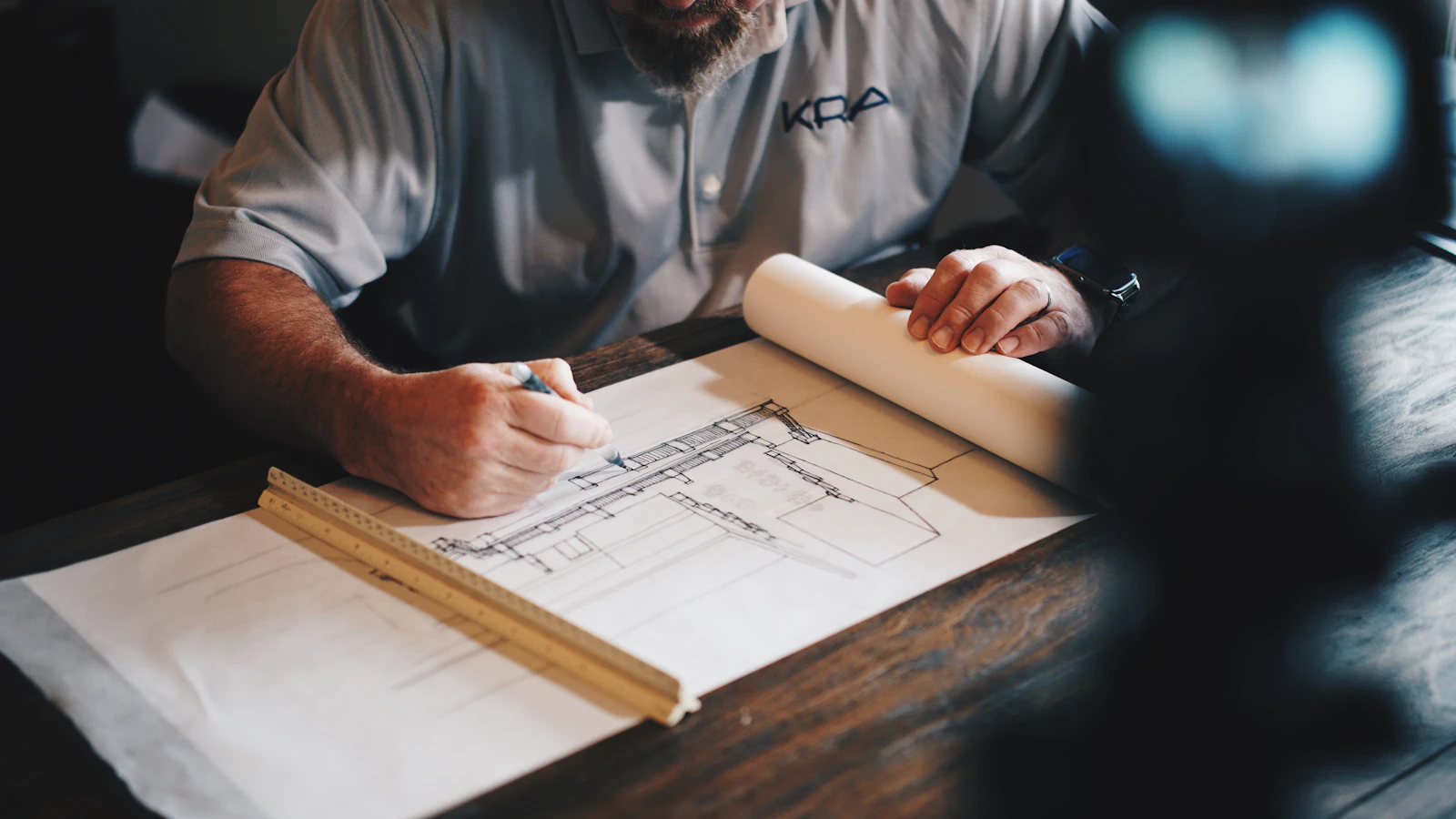
AI quantity takeoff is the use of computer vision and machine learning to read construction drawings and automatically detect, count, and measure the materials and building elements on them, so an estimator verifies quantities instead of manually clicking every one. The honest reality in 2026 is that AI takeoff is assistive, not autonomous: the software does the measuring, but a human still checks every quantity before it goes into a bid. Used that way, it turns a multi-day manual grind into a fast verification task, and that is where the real value is.
This guide covers how AI takeoff actually works, what it gets right and wrong, the leading tools compared honestly, what the accuracy numbers really mean, how to calculate whether it pays off, and how to adopt it without the false starts most contractors hit. Unlike a software vendor's blog, we do not sell a takeoff tool, so this is written to help you decide, not to sell you one.
How AI quantity takeoff works
AI takeoff combines two technologies to read a drawing the way an estimator does, only faster.
- Computer vision analyzes the geometry of a drawing: lines, shapes, areas, and symbols. It is what lets the software recognize that a rectangle is a room, a repeated glyph is a door, or a hatched area is concrete, and then measure or count them.
- Optical character recognition (OCR) reads the text on a drawing: dimensions, labels, schedules, and notes. It is what lets the software pull a room name, a wall type, or a dimension string off the sheet.
Together, the software scans the sheet, detects and classifies elements, measures or counts them, and produces a quantity list you can review. The estimator then confirms what the AI found, corrects misidentifications, and fills the gaps. This is the same output as a manual construction takeoff, reached in a fraction of the clicks.
The critical detail most vendor guides gloss over: this only works well when the drawing is machine-readable. A vector PDF exported from CAD or BIM gives the AI clean lines and real text. A scanned or photographed drawing is just pixels, so the software has to guess, and accuracy falls.
What AI takeoff does well, and where it struggles
AI takeoff is excellent at some tasks and unreliable at others. Knowing the difference is what separates a productive rollout from a frustrating one.
| AI takeoff does this well | AI takeoff struggles with this |
|---|---|
| Counting repetitive symbols (doors, windows, fixtures, outlets) | Custom or non-standard symbology it has not seen |
| Measuring areas and linear runs on clean plans | Scanned, photographed, or low-resolution drawings |
| Standard commercial floor plans with consistent conventions | Hand-marked drawings and messy as-builts |
| Repeatable, high-volume counts across many sheets | Interpreting ambiguous scope or intent |
| Producing a first-pass quantity list in minutes | Assemblies and means-and-methods reasoning |
| Comparing revisions to flag what changed | Judgment calls that need construction experience |
The pattern is clear: AI is strong on repetitive measurement of clean, standard drawings and weak on anything that requires interpretation or clean source data. That is exactly why the human stays in the loop.
The leading AI takeoff tools, compared
The competitor content on this topic tends to feature a single tool, the vendor's own. Here is an objective look at the main platforms as of 2026, so you can match one to your situation.
| Tool | Best for | Approx. pricing | Notes |
|---|---|---|---|
| Togal.AI | Takeoff speed on standard commercial plans | ~$299/user/mo | Computer vision, cites up to 98% accuracy on standard floor plans |
| Kreo | The cheapest way to test AI takeoff | From ~$35/mo | Auto Measure, Auto Count, and an AI agent that builds quantities from prompts |
| Beam AI | Outsourced, QA-checked estimates | Per project | Pairs automation with expert human review, delivers finished estimates |
| STACK | An all-in-one takeoff and estimating suite | By plan | Full cloud takeoff plus estimating workflow |
| Bluebeam | Contractors already on Bluebeam adding AI | By plan | Established markup and measurement tool layering in AI features |
A few honest observations. Togal.AI wins on pure speed if you bid clean commercial work. Kreo is the low-risk way to try the technology without a $300 monthly commitment. Beam AI is really a managed service, closer to outsourced estimating with AI under the hood, and it suits teams that want finished output rather than a tool to operate. STACK makes sense if you want takeoff and estimating in one place. None of them removes the estimator; they change what the estimator spends time on.
What "98% accuracy" really means
Accuracy claims are the most misread part of any AI takeoff pitch. A "98% accuracy" figure is measured on clean, standard drawings under favorable conditions. Your results depend heavily on your inputs.
- Vector vs raster. Vector PDFs (exported from CAD or BIM) are machine-readable and give the best accuracy. Scanned or photographed drawings are raster images, and accuracy drops because the software is interpreting pixels.
- Standard vs custom. Drawings that use standard symbols and conventions are read reliably. Custom symbology, unusual notation, or an architect's personal shorthand trip the model up.
- Clean vs messy. Crisp, current drawings beat marked-up, revised, or as-built sets full of clouds and handwriting.
The practical takeaway: accuracy is not a property of the software alone, it is a property of the software plus your drawings. This is why the number that matters is not the vendor's headline accuracy but your verification rate, how much you have to correct on your actual sheets. Which is exactly why the human check never goes away.
Residential vs commercial: where AI takeoff fits
AI takeoff was largely trained on the cleaner, more standardized drawings common in commercial work, and that is where it performs best today. Commercial floor plans use consistent conventions, repeatable elements, and vector output, all of which play to the model's strengths.
Residential work is more variable. Custom homes, remodels, and smaller builders often work from less standardized drawings, more revisions, and sometimes hand-marked or scanned sets. AI takeoff still helps, especially on repetitive counts, but expect a higher verification rate. If you do custom residential or remodeling, treat AI takeoff as a strong assistant rather than a near-complete solution.
The human-in-the-loop workflow
The productive way to use AI takeoff is a disciplined verification workflow, not blind trust. The role of the estimator shifts from creating quantities to inspecting them.
- Prep the drawings. Use vector PDFs where possible. Clean, current, standard sheets get the best results.
- Run the AI takeoff. Let the software detect, count, and measure across the set.
- Verify systematically. Check the AI's output against the drawings, focusing where it is weakest: non-standard symbols, dense areas, revision clouds, and anything unusual.
- Correct and fill gaps. Fix misidentifications and add what the AI missed. This is real estimating judgment, not clicking.
- Add assemblies and scope. Turn raw quantities into a real estimate: assemblies, waste factors, scope interpretation, and the things AI does not reason about.
- Feed it into your estimate. Move the verified quantities into your estimating system or JobTread estimating workflow so pricing and job costing flow from there.
Skipping step 3 is how AI takeoff produces confident, wrong bids. The verification discipline is the whole job now.
Implementation: what adopting AI takeoff actually takes
This is the part vendor guides skip, and it is where most rollouts stall. Buying the software is the easy part. Making it stick takes real work.
- Timeline. Expect a few weeks, not a few days, to go from signup to trusting the output on live bids. You need time to learn the tool and calibrate how much you have to verify on your drawings.
- Training. Estimators have to learn to verify AI output efficiently, which is a different skill than manual takeoff. The first several jobs are slower, not faster, while they build that instinct.
- Drawing standards. If your incoming drawings are inconsistent or often scanned, some of your gains come from improving what you feed the tool, not just the tool itself.
- Integration. Decide up front how verified quantities move into your estimating and pricing. A takeoff that lives in a silo, disconnected from your estimate and budget, loses much of its value.
- Change management. Experienced estimators can be skeptical, and rightly so, if they have seen AI misidentify things. Framing it as removing the grunt work, not replacing their judgment, is what gets buy-in.
Plan for the ramp. The teams that get value treat AI takeoff as a capability to build over a quarter, not a switch to flip.
The ROI: does AI takeoff actually pay off?
The honest ROI question is simple: do the hours you save exceed what the tool costs? Here is how to run the math for your own shop instead of trusting a vendor's "50% faster" claim.
| Input | How to estimate it |
|---|---|
| Hours per takeoff, manual | Time a few real takeoffs today |
| Hours per takeoff, AI-assisted | Time the same work with the tool, after the learning curve |
| Takeoffs per month | Your real bidding volume |
| Loaded estimator cost per hour | Salary plus overhead, not base wage |
| Tool cost per month | The subscription or per-project fee |
If (hours saved per takeoff × takeoffs per month × loaded hourly cost) comfortably exceeds the tool cost, it pays. For a high-volume estimator, it usually does, and the bigger win is often capacity: the same estimator can bid more work, which wins more jobs. For a low-volume contractor, a $299 monthly seat you rarely use may not, which is where a cheaper tool or outsourced estimating support makes more sense.
Do not forget the second-order benefits and costs. On the plus side: fewer measurement errors, faster turnaround on bids, and estimators freed for higher-value work. On the minus side: the ramp-up period, the ongoing verification time, and the risk of over-trusting output. A real ROI accounts for all of it.
What AI takeoff cannot replace
It is worth being precise about the ceiling, because the hype blurs it. AI takeoff measures. It does not estimate. These stay firmly with your team:
- Scope interpretation. Deciding what is and is not included, reading intent, catching what the drawings imply but do not show.
- Assemblies and means-and-methods. Turning a quantity into a real cost with labor, equipment, waste, and how you will actually build it.
- Pricing judgment. Market conditions, subcontractor relationships, risk, and margin strategy.
- Bid strategy. What to bid, how aggressively, and where to protect yourself.
- Constructability. Knowing when the drawings do not match reality.
AI gives you accurate quantities faster. Winning, profitable bids still come from the estimator's experience. If anything, removing the measuring grind lets that experience go where it matters. For the fuller picture of what AI can and cannot do across estimating, see our guide on AI for construction estimating.
Should you adopt AI takeoff?
Run it through a short decision:
- Do you bid enough volume to recover a subscription in saved hours? If yes, lean in. If no, consider a cheap tool or outsourcing.
- Are your drawings mostly clean and vector? If yes, expect strong results. If they are scans and markups, expect more verification.
- Do you do standard commercial or custom residential? Commercial suits current AI better; custom residential needs more human checking.
- Can you invest a quarter in the ramp? If you cannot give it real adoption time, it will feel like it failed.
For most contractors bidding regular volume off decent drawings, AI takeoff is worth adopting, provided you keep the estimator in the loop and treat it as a capability to build, not a magic button.
The bottom line
AI quantity takeoff is a genuine step forward: it removes hours of manual measuring and lets estimators spend their time on judgment instead of clicking. But it is assistive, not autonomous. The accuracy depends on your drawings, the tools each fit different needs, adoption takes a quarter of real work, and the estimator's experience is what still wins the bid. Approach it that way and it pays. Approach it as a replacement for estimating and it produces confident, wrong numbers.
If you want help getting more accurate bids out the door faster, whether that means AI-assisted takeoff, a stronger estimating workflow, or estimating admin support that frees your estimator for the high-value work, tell us how your estimating runs and we will map the right setup.

Written by
Kenneth Muriuki
Construction PM & Construction Tech Expert
Kenneth is a construction project manager and construction technology expert who specializes in JobTread implementation, with experience helping contractors improve project delivery, system configuration, reporting, and operational visibility. He writes about practical construction technology, workflow design, and the operating disciplines that help teams deliver work consistently.
More articles
AI for the Construction Back Office: What to Hand Off
AI for construction admin, task by task: AP coding, PO matching, lien waivers, COIs and pay apps. What AI does well, what needs a human, and what stays out.
ReadAI for Construction Project Management: 8 PM Workflows
AI for construction project management, workflow by workflow: RFIs, submittals, minutes, daily reports, change orders, schedules, and where PMs must check.
ReadAI Tools for Contractors: An Honest 2026 Buyer's Guide
The AI tools for contractors worth paying for in 2026, sorted by the job they do: assistants, takeoff, document review, field capture, scheduling, and sales.
Read